Table of Contents
Introduction
You’ve probably heard of VSCO—it’s a photo-sharing app loved by teens, photographers, and anyone who enjoys artsy filters and an aesthetic feed. But here’s the thing: finding someone on VSCO isn’t always easy. There’s no big search engine like Google, and VSCO doesn’t offer many advanced tools to help users find each other.
That’s where vsco people search becomes the talk of the town.
More and more users are asking questions like:
“Can you search people by name on VSCO?”
“Is it possible to find someone using only their phone number?”
“Are there tricks to making people search easier?”
You’re in the right place for answers!
Whether you’re trying to reconnect with a friend, check out someone’s content, or just explore interesting VSCO feeds, this detailed guide will walk you through everything you need to know about VSCO people search—using simple language anyone can understand.
Let’s get started!
What Is VSCO and How Does It Work?
VSCO is a photo and video editing app where users can post aesthetic pictures, short videos, and photo journals. Think of it like a mashup between Instagram and a personal diary—with less pressure and no public likes or comments.
People love VSCO because it focuses on creativity, not popularity.
You join by making a profile, adding photos, and sometimes linking your Instagram or TikTok. Many users want to view VSCO content from others—whether friends, influencers, or strangers with cool photos—but it’s not always obvious how to search for people.
That’s when VSCO people search becomes useful.
Does VSCO Have a Built-in People Search Feature?
Yes… but it’s limited.
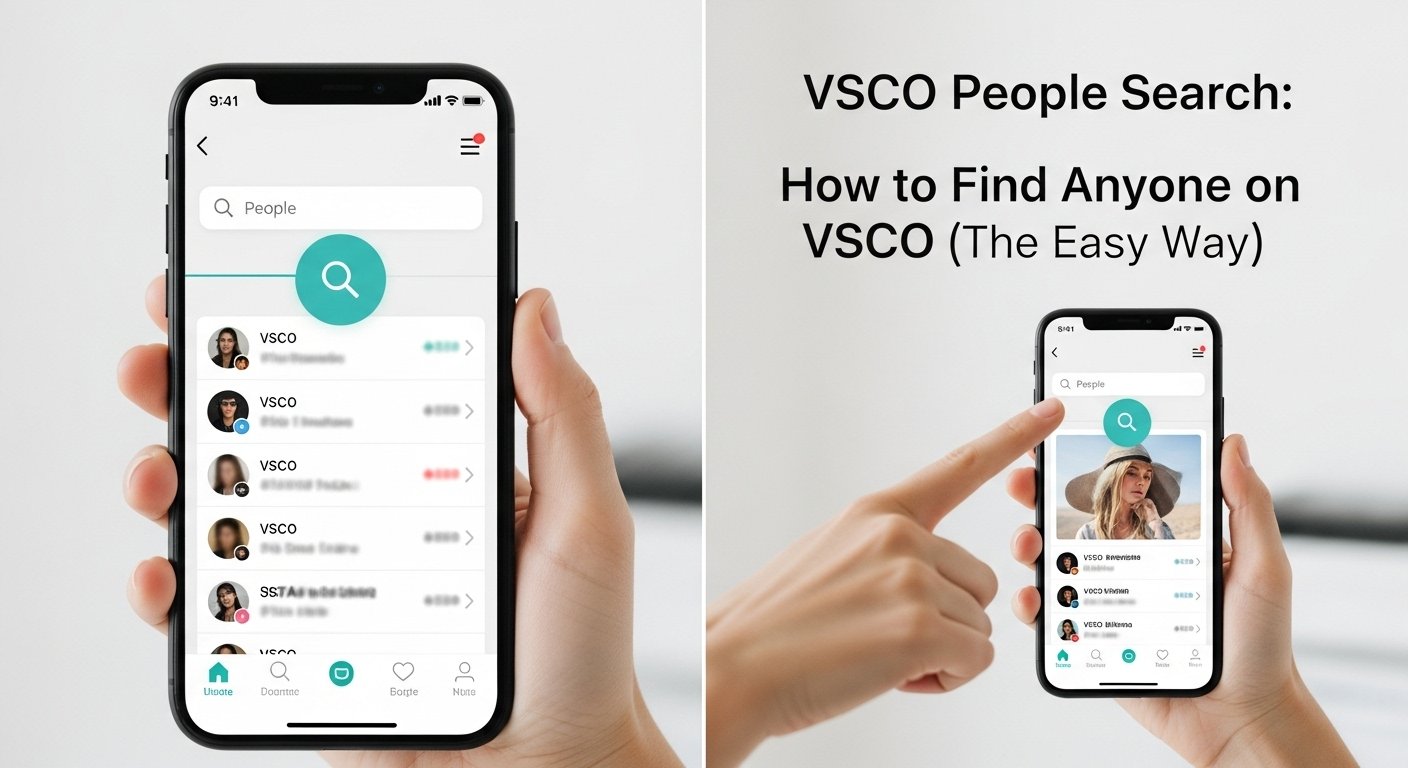
VSCO does include a basic search tool. You can enter a username in the search bar and, if the person exists and has a public account, they’ll show up. But here’s the catch: you need to know their exact username or it won’t work.
There are no filters like age, location, or real names. You also can’t search using profile photos, hashtags, or email addresses. This makes VSCO people search harder than it is on apps like Instagram or Facebook.
So, if you only know someone’s real name or just their school, finding them can feel almost impossible—unless you try other smart methods.
Let’s explore those!
How to Use Username for VSCO People Search
The easiest way to find someone on VSCO is by searching their username directly in the app or on the website.
Steps to do this:
- Open the VSCO app or visit vsco.co.
- Tap the search icon (usually looks like a magnifying glass).
- Type the exact username (no mistakes!).
- If the profile is public, it will appear, and you can view their posts.
Tips:
- Many usernames match Instagram or TikTok handles.
- Try mixing name combinations if you’re unsure (e.g., @sarah.jane, @sarah_j, @s.janephoto).
- Some people keep things consistent on all platforms—smart move for brand building!
If you know other social usernames, this is the best place to start your VSCO people search.
Finding People Using Instagram or TikTok Links
Here’s a clever hack: look at someone’s Instagram or TikTok bio. Many users link their VSCO accounts there.
Typically, it will look like:
🖼️ vsco.co/theirusername
When you click this link, it takes you directly to their VSCO profile, even if you don’t know their handle.
So if you’re wondering how people find others on VSCO so quickly, checking linked socials might be the secret sauce of VSCO people search.
Give it a try with friends or influencers you follow!
Can You Use Google for VSCO People Search?
Yes, Google can help—especially if you know a bit about the person.
Try typing:
textsite:vsco.co "name" OR "username"
For example:
textsite:vsco.co "alex photography"
This tells Google to only search VSCO’s site, making it easier to find accounts with those terms in usernames or bios.
It’s not perfect, but it sometimes shows hidden profile links Google has indexed. If you’ve tried everything else, this is a smart way to expand your VSCO people search toolbox.
Using Reverse Image Search for VSCO Profiles
Let’s say you have a VSCO-style image or profile photo, but no name. Could you search using the photo?
Yes—but success varies.
- Go to Google Images.
- Click the camera icon to upload the photo.
- Google will try to match it to any indexed pages including that image.
If the user posted that picture elsewhere, like journal entries or image feeds, Google might show you the VSCO profile it came from.
So while not super reliable, this is another creative method for your VSCO people search mission.
Third-party Tools to Help You Search VSCO Users
Some websites offer people search services or claim to show anyone’s social media accounts in one click.
Examples include:
- Social Catfish
- Spokeo
- BeenVerified
These tools aren’t designed just for VSCO, but they might find linked handles.
Be careful, though:
- Not all sites are trustworthy.
- Some charge you after showing “almost found” results.
- Don’t enter personal passwords—just usernames when testing.
Use them with caution and cross-check with free methods first.
Remember, there is no tool better than your curiosity + Google + social media.
What If You Can’t Find Someone on VSCO?
If all else fails during your search, it’s possible that:
- The person doesn’t use VSCO.
- Their profile is private or inactive.
- They use a totally different handle.
Some users make private accounts just for editing with VSCO filters but never post them publicly. Or they might use made-up usernames just to test features.
So don’t worry. Just because you can’t find someone with VSCO people search doesn’t mean you’re doing it wrong—it might just mean they’re not searchable right now.
Tips to Make Your Own VSCO Profile Easier to Find
Flip the script! If you want people to find your VSCO profile, make it easier for them:
- Use the same username across platforms.
- Link your VSCO in your Instagram or TikTok bio.
- Choose a clear profile photo.
- Keep your account public (if you’re comfortable).
- Add a memorable name or keyword in your bio.
This helps friends (and future fans) find you using VSCO people search without needing detective skills.
Bonus: Consistency builds your personal brand, making your content stand out across the web.
Privacy Tips: Being Safe While Using People Search
Let’s talk safety for a second.
When searching for someone—or if someone is searching for you—privacy matters. Here’s how to stay protected:
- Don’t post sensitive info on your VSCO profile.
- Keep your account private if you prefer being unseen.
- Report suspicious accounts or spam folders.
- Block users you don’t feel safe with.
VSCO largely avoids public likes and comments, but still—use VSCO people search respectfully and be kind.
We’re all human behind the screens.
Pros and Cons of VSCO People Search
Here’s a simple breakdown to help you understand the strengths and weak spots:
Pros:
- Free and easy to use
- Can find people by username
- Clean platform with creative content
- Extra useful if you know linked social accounts
Cons:
- No real-name search option
- Doesn’t support filtering by city or age
- Can’t search by profile photo inside app
- Many accounts are private or inactive
Still, knowing how to use VSCO people search the smart way makes it easier to stay connected and explore new content in a creative space.
FAQs
1. Can I search for someone on VSCO using their real name?
Not directly. VSCO doesn’t support real-name searches, so you’ll need their username or a linked profile.
2. Is there a way to find VSCO accounts by phone number or email?
No, VSCO doesn’t allow that kind of search. It’s a privacy-based platform. Stick to usernames.
3. Can I search for people on VSCO without an account?
Yes, you can search using a browser via vsco.co, but some features require logging in.
4. Why doesn’t the person I’m looking for show up?
Their profile could be private, or the username might be slightly off. Try checking their Instagram bio.
5. Can I see followers or likes on VSCO?
Nope. VSCO hides likes and followers to keep content-focused, not popularity-focused.
6. Is VSCO people search safe to use?
Yes, it’s safe if you stay on official websites or apps and avoid shady third-party links.
Conclusion
So, is finding people on VSCO hard? Sometimes. But with the tips and tricks in this guide, you now have everything you need to make VSCO people search a lot easier.
From using usernames and social links to sneaky Google tricks and photo searches, there are many ways to connect with friends—or just explore new creators.
Just remember: search wisely, be respectful, and take care of your privacy.
Now go ahead—try searching for someone new on VSCO. You never know what creative treasures you might find!